Civilization VII is not a Paradox game with a universal string of console commands. On PC, its debug panels are a more useful way to inspect a test run when they are enabled for single-player. The distinction matters: a copied save can answer one question about an Age, an economy or a position without erasing the campaign you actually want to finish.
Start with a separate single-player save

Duplicate the run and name the copy after the question, such as Rome-exploration-test. Note the current Age, treasury, settlement count and the decision you want to compare. What matters is the difference after the test, not how spectacular the debug result looks.
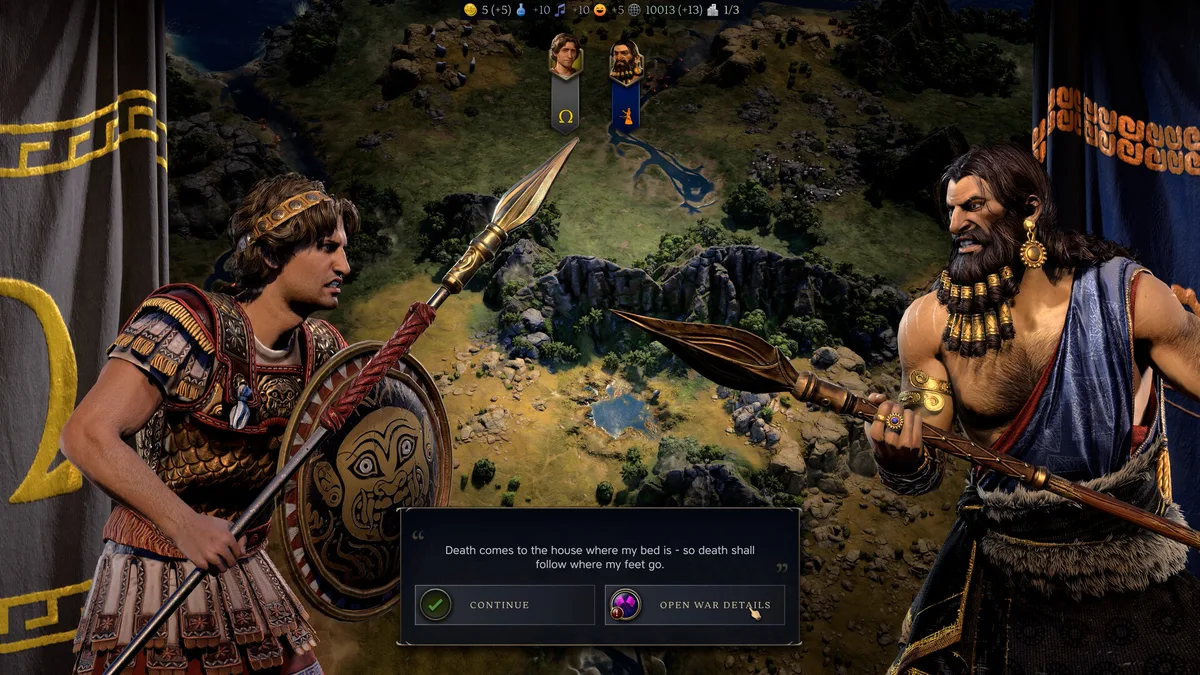
Civilization VII debug panels, not a generic cheat console

Unlike Paradox games (EU4, HOI4, CK3) with native consoles, Civilization VII works differently. Cheats go through:
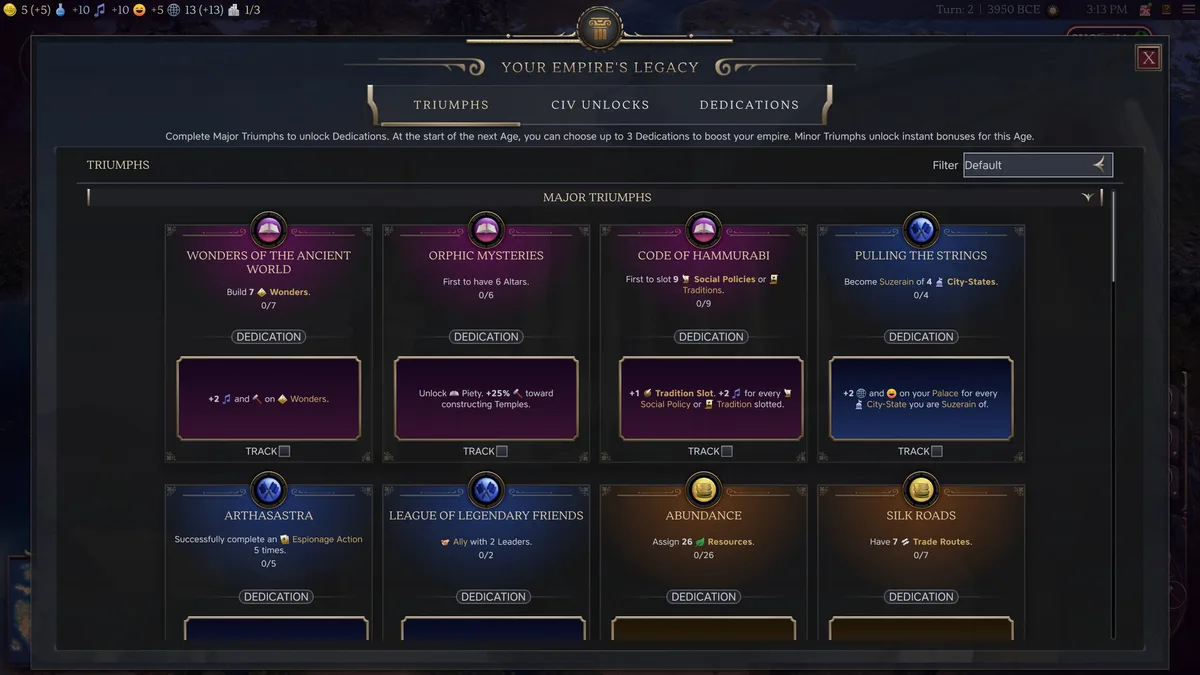
- Debug panels enabled for a single-player test.
- A keybind that opens the menu when those panels are available.
- A save you can abandon after observing the result.
Enable Civ 7 Debug Menu

Enable panels carefully on PC
- Close the game fully
- Back up
AppOptions.txtin the local Firaxis Civilization VII folder. - Look for the current debug-panels setting; community documentation identifies
EnableDebugPanels. - Set the enabled value only for the test, then save and restart.
- Use the keybind in a single-player save; 2K’s patch notes confirm this route when panels are enabled.
A debug menu appears in-game, accessible via a keyboard shortcut or dedicated button.
Do not assume an old guide’s shortcut, mod name or achievement claim still applies. Patch behaviour changes; check the in-game result on a disposable save.
When the panel does not appear
Start by restoring the backed-up AppOptions.txt file, then confirm that the active file is the one in the local Firaxis Civilization VII folder rather than an old Documents folder from another Civilization game. Close the game before editing it. A line beginning with a semicolon is a comment, so compare the current spelling with the community documentation rather than changing several unrelated settings at once. Change the panel setting only; leave graphics, account and accessibility values untouched.
Load a new single-player test after restarting. If the keybind still does nothing, stop there: do not assume that a random command string will activate a hidden console. Note the game version, platform and the exact setting you tried. That gives you a useful starting point for current patch notes or support, while preserving the campaign save.
Three useful tests
Does the Age transition change the plan?
Copy the save before an Age change. Compare one civic choice, settlement plan or military commitment, then reload. Test the same leader, the same civilization path and the same map position so the Age decision is the only deliberate difference. The useful result may be that the real run needs one more town, a different legacy path or a delayed war.
Make the comparison concrete. Before the transition, write down the number of settlements, the commander positions, the most important production queue and the milestone you are trying to reach. On the test save, change only the choice you want to evaluate. Finish a small number of turns and compare the same notes. A useful result is not simply that one outcome looks stronger; it is that you can explain why it gives you a better route through Exploration or Modern.
Is the economy short of gold or short of priorities?
Test a narrow economic change, observe the production queue and let a few turns pass. If the pressure returns immediately, the constraint is likely maintenance, expansion pace or a bad allocation rather than one missing resource.
For example, a city that cannot complete a key building may be suffering from more than its current yield. Look at whether another settlement is consuming the same priority, whether an army is parked in an expensive place, and whether the next Age objective pulls production in another direction. The debug test should narrow the suspect list. When you return to the original run, make one normal change and see whether the diagnosis holds.
Is the map position actually lost?
Use a copied run to inspect a difficult frontier, then return to the clean save. Compare the threatened settlement’s production turns, nearby commander movement and the approach tiles before committing. A defensive town, a different commander route or a postponed conflict may be the answer; restarting is not always necessary.
Count turns, not only units. A frontier can feel doomed because an opponent has the immediate advantage, while the real question is whether your settlement can finish its walls, whether a commander can arrive, or whether terrain buys time. On the copy, test one defensive response and record the first enemy move it changes. That observation is actionable in the original campaign; a broad debug victory is not.
A small test protocol for Civ VII
Use the same five steps for every experiment. First, name the test save after the question. Second, note the turn, Age, treasury, settlements and immediate threat. Third, enable or inspect only the panel behaviour needed for the question. Fourth, let a limited number of turns pass. Finally, reload the clean save and make a normal decision based on the difference.
This approach works for an Age transition, a frontier city, a commander route or a strained economy. It also prevents a common mistake: changing a resource, a unit, a map state and an Age at the same time, then concluding that a vague “cheat” fixed the campaign. Civilization is a chain of interacting choices. Your test needs to be small enough to read and repeat after a reload.
What a good result looks like
A good result is a sentence you can act on without opening the debug menu again. Delaying a war until a commander covers a river crossing is a useful conclusion. Building production before another settlement is another. Securing a weak frontier before an Age transition is a third. Each conclusion names a next action, a location and a timing decision.
By contrast, “everything works when I give myself everything” is not a strategy finding. It only proves that constraints matter, which the original campaign already knew. The real value of a debug panel is clarity under controlled conditions.
Keep the experiment smaller than the campaign
Avoid changing every resource and map variable at once. That produces a sandbox, not evidence. A good test has one question, one change and one observation. Write down the turn, the Age and the visible consequence; then restore the unmodified save.
For broader context, our best PC strategy games guide situates Civilization VII beside its grand-strategy and 4X peers.
Conclusion
Civilization VII debug panels are most useful as a workshop for a difficult decision. Keep them in a copied single-player run, verify the current setting and keybind, then take only the lesson back to the campaign.
For more strategy game coverage, see our top 10 best PC strategy games 2026.