Hearts of Iron IV is a grand strategy game whose depth can overwhelm. HOI4 console commands and cheat codes let you quickly simulate scenarios, test unit builds, or just play with less friction. Here’s the complete guide updated for 2026.
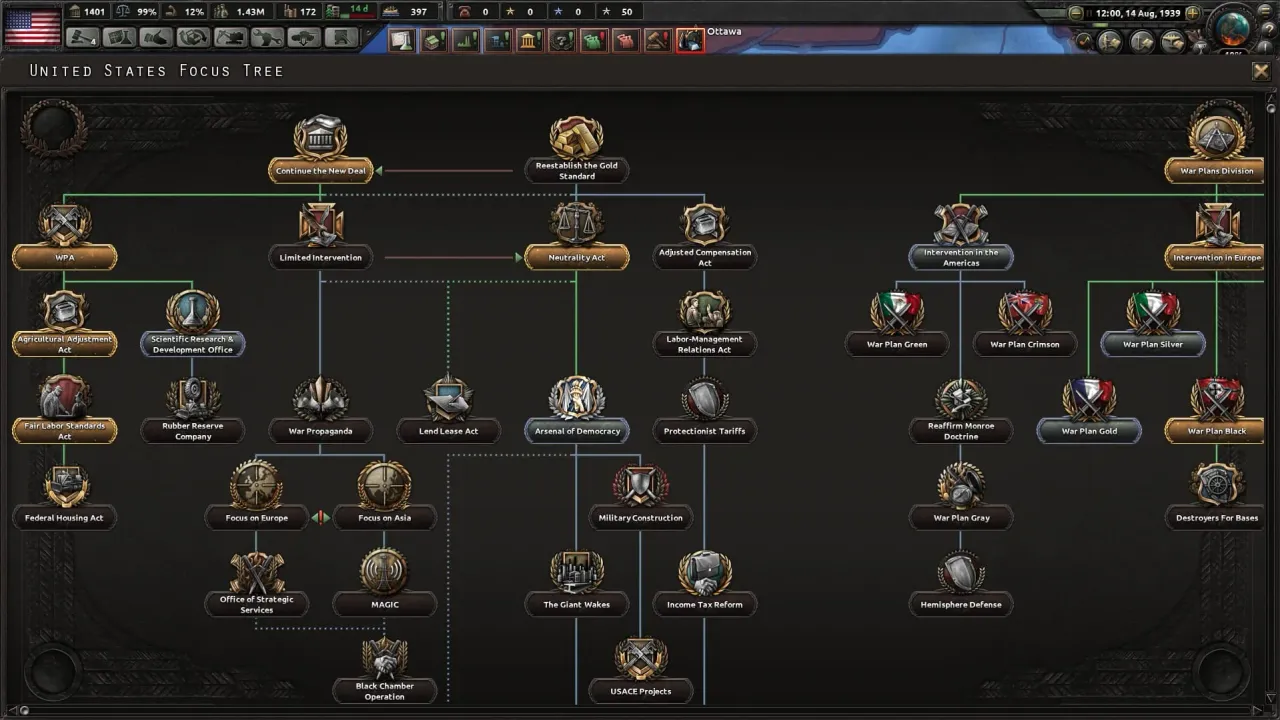
How to open the HOI4 console
The key depends on your keyboard layout. On a US or UK QWERTY keyboard, try ~.
On a German QWERTZ layout, try §. French AZERTY players should try ².
If neither works, test Shift + Alt + C before assuming the console is unavailable.
⚠️ Warning: in HOI4, using the console disables Steam achievements for the current game (unlike EU4). If you’re achievement-hunting, keep a clean save before cheating.
⚠️ No console in Ironman or multiplayer modes.
Essential HOI4 console commands
Resources and economy
| Goal | Command |
|---|---|
| Add manpower (default 1M) | manpower [amount] |
| Add political power | pp [amount] |
| Add equipment | add_equipment [amount] [type] |
| Example: 1000 German rifles | add_equipment 1000 infantry_equipment_1 |
| Commander XP | xp [amount] |
| All army/air/navy experts | research all |
| Finish research on click | research_on_icon_click |
Construction and factories
| Goal | Command |
|---|---|
| Instant construction | instantconstruction (alias ic) |
| Disable instant construction | same command again |
| All strategic resources | add_resources [amount] |
War and combat
| Goal | Command |
|---|---|
| Win all your wars | winwars |
| Adjust warscore | ws [TAG] |
| Instant war goal | instant_wargoal |
| Instant naval prep | instant_prepare |
| Force diplomatic action | allowdiplo |
| Win a tile battle | debug_winwar |
Nations and diplomacy
| Goal | Command |
|---|---|
| Switch country | tag [TAG] (e.g. tag GER, tag SOV, tag USA) |
| Observer mode | observe |
| Annex country | annex [TAG] |
| Reveal war fog | debug_nuking → full vision |
| AI accepts everything | yesman |
| Add opinion | add_opinion [source TAG] [target TAG] |
Debug and utilities
| Goal | Command |
|---|---|
| List all commands | help |
| Help for command | help [command] |
| Reload interface | reloadinterface |
| Reload text | reloadtext |
| Clear console | clear |
Focus: the most powerful commands
instantconstruction
Alias ic. Use it on a working save to compare two factory or fortification plans, then reload before the main campaign. It can reveal a bottleneck; it should not erase the cost of every building.
research_on_icon_click
Activate it, then click a technology to test how a doctrine, tank or support weapon changes a frontline. The useful question is what the technology enables in a particular war, not how quickly it can make every research screen disappear.
tag [CODE]
Use it briefly to inspect another country’s stockpiles, armies, alliances and war goals. Switch back quickly: it is a magnifying glass for the AI, not a way to run two countries for years.
Three HOI4 test scenarios that help a real campaign
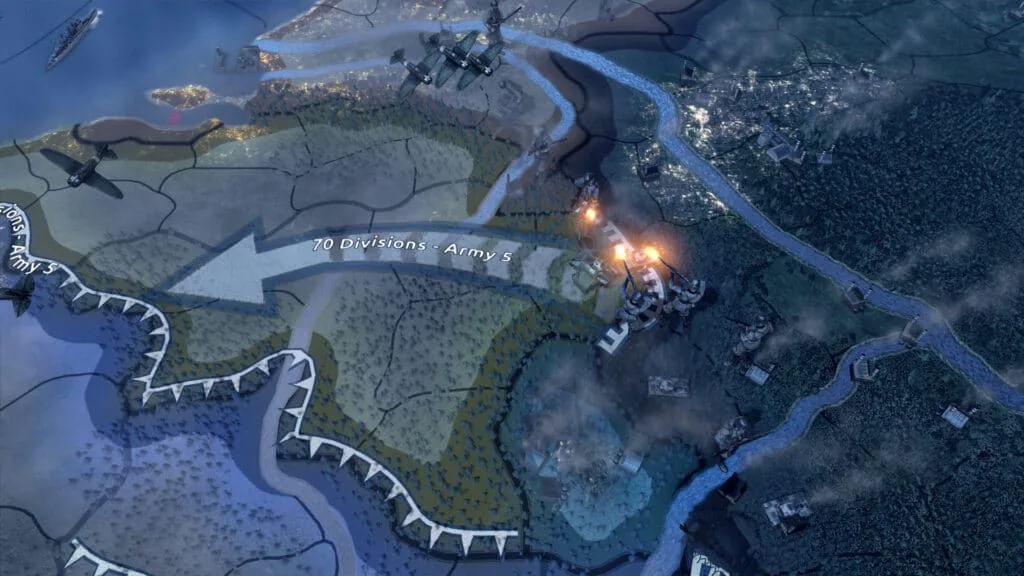
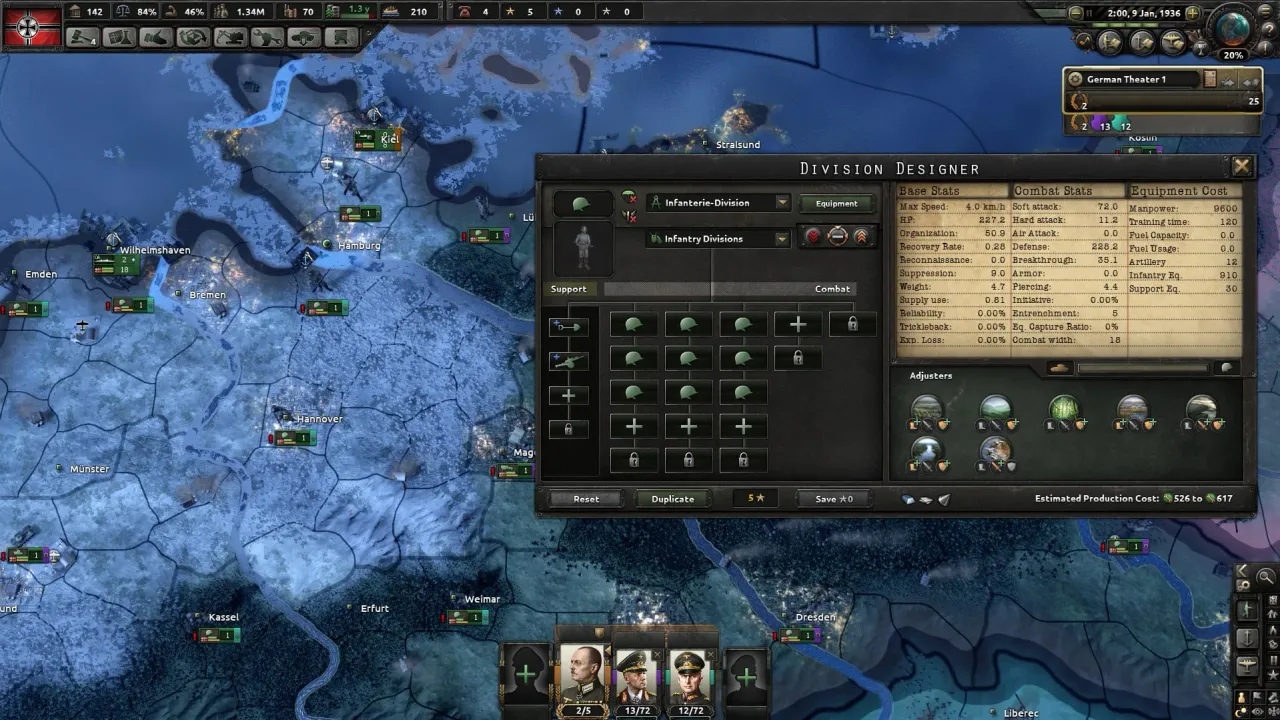
- Germany: production or timing? Copy a 1939 save, use a modest
add_equipmentamount for one infantry model, then replay a few weeks. If the front still fails, the problem may be supply, doctrine or the battle plan rather than equipment alone. - Japan: fleet or diplomacy? Inspect the navy with
tag JAP, then useobserveto see which alliances and wars change the Pacific. This separates a naval preparation issue from a strategic commitment you cannot sustain. - Soviet Union: research or logistics? Test one relevant technology with
research_on_icon_click, then look at supply, divisions and terrain on a copied Barbarossa scenario. A stronger tank model does not automatically solve an overstretched frontline.
Treat the console as a campaign workshop
Before entering a command, make a copy of the save and give it a clear name such as France-supply-test. Define one question: does this offensive fail because of equipment, manpower, supply or a missing ally? Then change one variable. A small manpower injection, a single technology, or a brief country switch can be enough to reveal the answer.
Start with help, and use help followed by a command name when the syntax is unclear. The HOI4 console reference is a better source than a guessed tag or an old video. Equipment identifiers, scripted events and modded content can all change the expected result.
Production and construction
instantconstruction is useful when you want to compare the strategic value of civilian factories, military factories, forts or infrastructure without waiting through years of building. Run the comparison on the copied save, look at supply and production lines, then reload. If a new railway or factory changes the campaign, you have learned something actionable about the real build order.
Frontlines and diplomacy
tag [TAG], observe and small equipment tests help explain an AI decision that looks irrational from the outside. Switch to a neighbour, inspect its divisions and stockpiles, then return to your own country. The real insight may be that the enemy lacks fuel, that an ally never joined, or that a front is consuming more supply than the map can deliver.
Commands such as winwars, annex and yesman are best reserved for an explicit what-if. They can show the aftermath of a peace settlement, but they remove the very attrition, diplomacy and war score that make a normal HOI4 campaign interesting. Use them on the test copy, observe the consequences, and keep the clean campaign honest.
A pre-offensive test checklist
Before blaming a division template, pause the copied campaign and inspect five things: available equipment, manpower, fuel, supply hubs and the number of divisions already assigned to the frontline. Use the console only to test the uncertainty you cannot isolate otherwise. For example, add a limited amount of infantry equipment, run the offensive for a few days, and compare the supply map with the original save.
Do the same with technology. A clicked research can show whether a support company or doctrine changes the battle enough to matter. If it does not, the answer may be terrain, planning bonus, air superiority or a missing railway rather than a research delay. This is why a short controlled scenario is valuable: it directs your attention toward the actual constraint instead of making every loss feel random.
When the test is finished, reload the clean save and turn the observation into a normal decision. Build the infrastructure, wait for equipment, shorten the frontline, request an ally, or postpone the war. The console has then done its job without replacing the campaign.
Extend cheats via mods
Several Steam Workshop mods enrich the experience:
- Cheat Menu — GUI for all commands, no typing.
- Dev Tools for Modders — advanced test tools (scripts, global variables).
- No-Step-Back Cheat Console — commands for the No Step Back DLC.
Conclusion
HOI4 console commands are most useful when they turn one confusing campaign moment into a testable question. Keep manpower, add_equipment, tag and research commands on a working save, then return to the clean campaign to make the real choice. That protects the uncertainty and consequences that make a war plan worth playing.
For the official exhaustive list, the HOI4 Paradox wiki remains the reference.